
Top Icons for Website Navigation and UX
Discover the most important icons for website navigation and UX. Learn how to choose and use icons to improve usability, clarity, and user experience.
May 6, 2026 - 2 min read
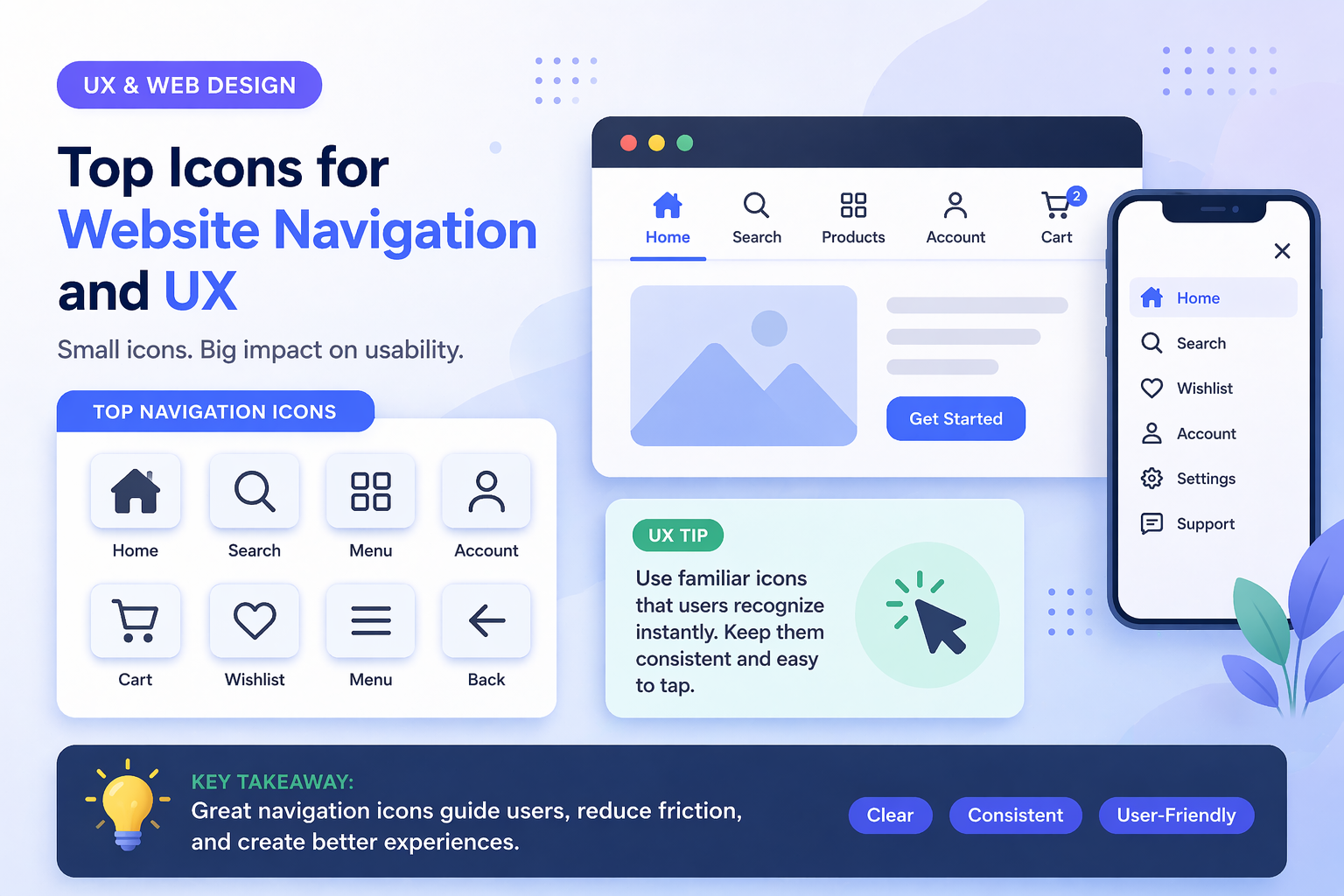
Icons are essential for modern website navigation. They help users understand structure, find key actions, and move through pages faster without relying only on text.
In this guide, you will find the most important icons for navigation and practical UX usage rules.
Why Navigation Icons Matter
Good icons help:
- improve usability
- reduce cognitive load
- speed up navigation
- make interfaces easier to scan
Without clear icons, users rely only on text and interaction slows down.
Most Important Navigation Icons
1. Home Icon
Used for:
- returning to homepage
- main navigation entry
2. Menu (Hamburger) Icon
Used for:
- opening menus on mobile
- collapsing navigation groups
3. Search Icon
Used for:
- searching content
- filtering data
4. User or Profile Icon
Used for:
- login and signup
- profile settings
- account dashboard
5. Settings Icon
Used for:
- preferences
- configuration
- advanced options
6. Notifications Icon
Used for:
- alerts
- messages
- updates
7. Cart or Checkout Icon
Used for:
- shopping cart flow
- checkout entry points
8. Back and Arrow Icons
Used for:
- step back actions
- paging and flow navigation
For practical sets, browse technology icons and business icons.
How to Use Navigation Icons Correctly
Combine Icons With Text
Icons alone can be ambiguous. Best practice is icon plus short label for key actions.
Keep Icons Consistent
Avoid:
- mixing unrelated icon styles
- inconsistent sizing
- different stroke logic in one menu
Use one structured icon library for consistency.
Do Not Overload Navigation
Too many icons add noise. Keep navigation simple and focused.
Mobile Navigation Considerations
For mobile UX:
- use familiar symbols
- keep tap targets large
- maintain clear spacing
- avoid hidden complexity
Best Icon Style for Navigation
- Outline icons for clean modern UI
- Glyph icons for emphasis in compact areas
Read more in Outline vs Glyph Icons.
Performance and Format
For fast UX:
- prefer SVG
- keep assets lightweight
- optimize delivery from CDN
See details in SVG vs PNG vs JPG vs EPS: Which Icon Format Should You Use?.
Final Thoughts
Great navigation icons make UX feel effortless.
- use familiar symbols
- combine icons with labels
- maintain system consistency
- design with mobile first constraints
If you want ready-to-use navigation assets, explore technology icons, icon categories, and pricing plans.
Related Articles
Explore by Tags
Popular Categories
Ready to use better icons in your UI?
Download free icons, or unlock unlimited premium packs for product, web, and SaaS workflows.