
Best Free Icons for Business and Presentations
Discover the best free icons for business and presentations. Improve your slides, reports, and pitches with clean, professional icon sets.
May 6, 2026 - 2 min read
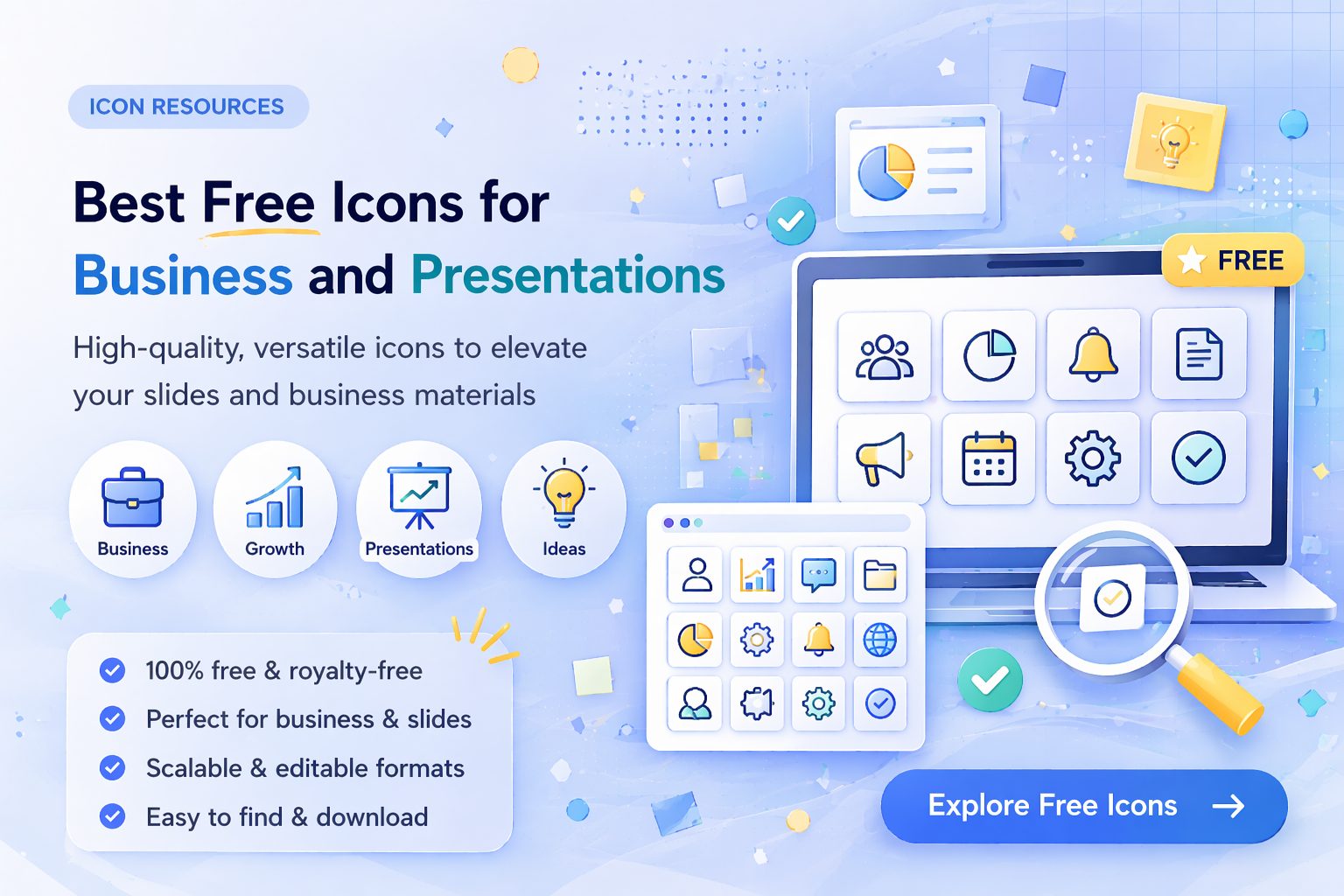
Using icons in business presentations can dramatically improve clarity, engagement, and visual impact. Instead of long blocks of text, icons help communicate ideas faster and make slides easier to understand.
In this guide, you will discover the best free icons for business and presentations and how to use them effectively.
Why Icons Matter in Business Presentations
Icons are not just decoration. They are a communication tool.
They help:
- simplify complex ideas
- replace repetitive text
- improve slide readability
- make presentations more engaging
What Makes a Good Business Icon
Good icons should be:
- simple and easy to recognize
- consistent in style
- clean and not overly detailed
- scalable (vector preferred)
Icons that are too complex or inconsistent can make slides look unprofessional.
Best Types of Icons for Business Slides
1. Data and Analytics Icons
Used for:
- charts
- reports
- growth metrics
Examples:
2. Communication Icons
Used for:
- meetings
- messaging
- collaboration
Examples:
3. Strategy and Planning Icons
Used for:
- roadmaps
- business strategy
- goals
Examples:
4. Finance and Business Icons
Used for:
- revenue
- investments
- budgeting
Examples:
Explore similar sets in business icons.
Why Consistency Matters in Presentations
One of the biggest mistakes in presentations is mixing different icon styles.
Instead:
- use one icon style
- keep consistent stroke or fill
- align icons properly
Using a structured icon library helps maintain consistency across all slides.
Best Format for Presentation Icons
Recommended formats:
- SVG for scalable quality
- PNG for easy slide insertion
- EPS for editing workflows
Learn more in SVG vs PNG vs JPG vs EPS: Which Icon Format Should You Use?.
How to Use Icons in Slides
1. Do Not Overuse Icons
Too many icons create visual noise. Use them where they improve understanding.
2. Combine Icons With Text
Best approach is icon plus short label.
3. Keep Layout Clean
- align icons properly
- use consistent spacing
- avoid clutter
4. Use Icons to Guide Attention
Icons should highlight key points, not distract from them.
Free vs Premium Icons
Free icons are great for quick slides and internal use. Premium collections usually provide better style consistency at scale.
If you want a direct comparison, read Free vs Premium Icons: What’s the Difference?.
Final Thoughts
To build stronger presentations:
- use simple, clear icons
- keep style consistent
- choose the right format
- avoid visual clutter
For ready-to-use sets, explore business icons, technology icons, and pricing plans.
Related Articles
Popular Categories
Ready to use better icons in your UI?
Download free icons, or unlock unlimited premium packs for product, web, and SaaS workflows.