
Best Healthcare Icons for Medical Apps and Websites
Discover the best healthcare icons for medical apps and websites. Improve usability, clarity, and trust with clean icons for patient portals, dashboards, and health platforms.
May 1, 2026 - 2 min read
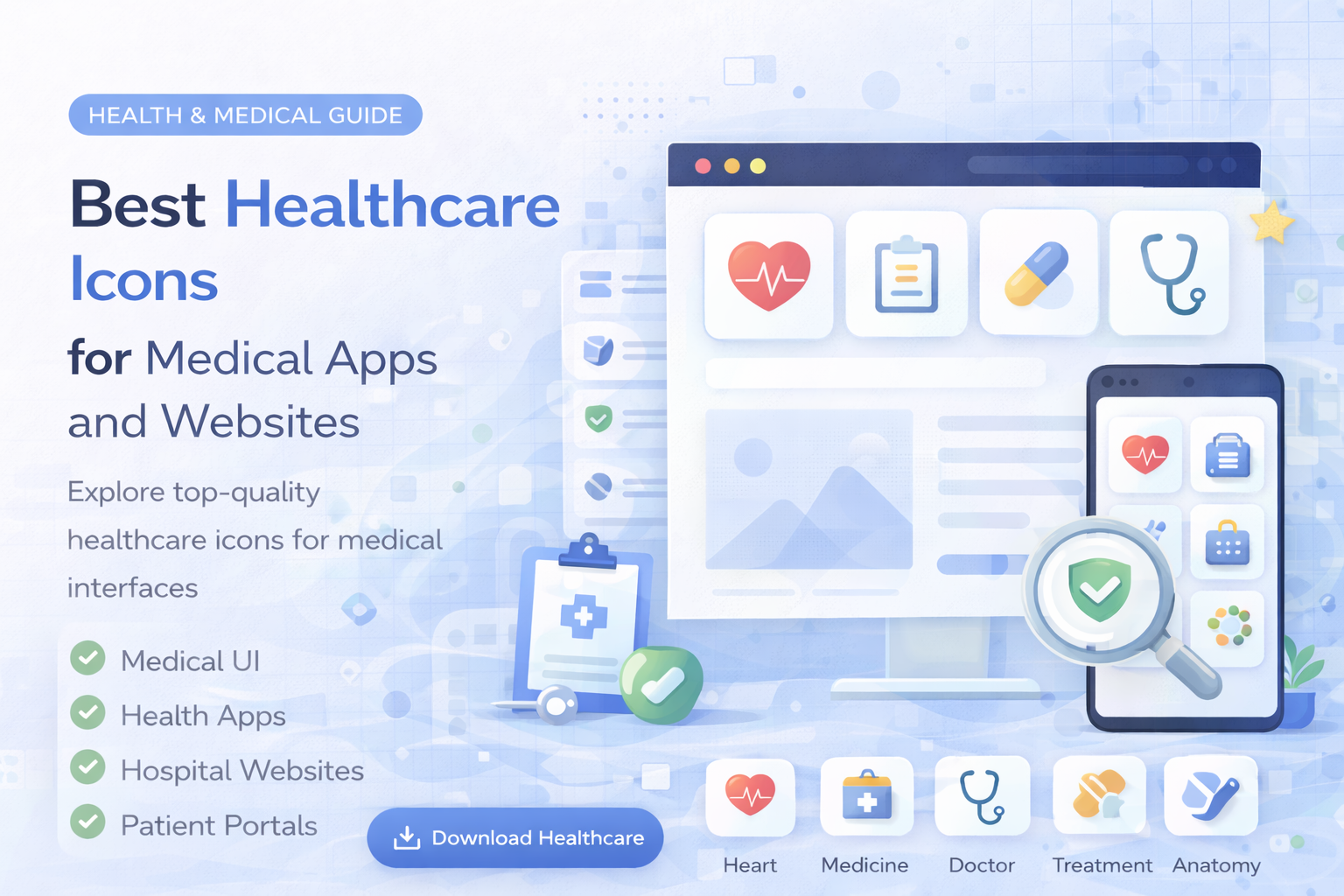
Healthcare interfaces require more than clean visuals. They need clarity, trust, and fast recognition. Whether you are building a medical website, patient portal, telehealth platform, or healthcare app, the right icons make navigation easier and information clearer.
In this guide, you will discover the best healthcare icon types and how to use them in real products.
Why Healthcare Icons Matter
Medical interfaces often include sensitive information and complex workflows. Clear icons help users move faster and with more confidence.
Icons help:
- simplify navigation
- reduce text overload
- improve scanning
- support accessibility
- build trust in the interface
Essential Healthcare Icons for UI Design
Cross and Medical Symbols
Used for:
- healthcare services
- emergency actions
- general medical sections
Common icons:
Explore similar icons in healthcare and medical icons.
Doctor and Patient Icons
Used for:
- user profiles
- appointments
- care teams
- telehealth flows
Common icons:
Appointment and Calendar Icons
Used for:
- booking visits
- scheduling consultations
- reminders
Common icons:
Health Monitoring Icons
Used for:
- vital signs
- heart rate
- activity tracking
- wearable integrations
Examples:
Medication and Treatment Icons
Used for:
- prescriptions
- pharmacy sections
- treatment plans
Common icons:
Best Icon Style for Healthcare UI
Healthcare interfaces should feel calm and professional.
Recommended style:
- clean outline icons
- simple recognizable shapes
- minimal decorative detail
Consistency matters more than style trend. Use one system across navigation, dashboards, and actions.
How to Use Healthcare Icons Effectively
1. Prioritize Clarity Over Creativity
Choose icons users can understand instantly.
2. Use Icons to Support Navigation
Icons work especially well in sidebars, dashboard panels, appointment flows, and service menus.
3. Combine Icons With Labels
In healthcare UI, do not rely on icon-only meaning for critical actions.
4. Keep the Style Consistent
Avoid mixing unrelated icon sets with different stroke styles and proportions.
Using a structured icon library helps keep the entire product visually consistent.
Performance and Format
Healthcare products need fast and stable UI.
Recommended formats:
- SVG for websites and app interfaces
- PNG for static use cases
- EPS for editing and production
Learn more in SVG vs PNG vs JPG vs EPS: Which Icon Format Should You Use?.
Final Thoughts
Healthcare icons are a core part of medical UX.
- use clear and recognizable symbols
- keep style consistent
- combine icons with text for important actions
- optimize assets for speed
If you need ready-to-use icons for medical apps and websites, explore the library or see pricing plans.
Related Articles
Popular Categories
Ready to use better icons in your UI?
Download free icons, or unlock unlimited premium packs for product, web, and SaaS workflows.