
Best Travel Icons for Websites and Apps
Discover the best travel icons for websites and mobile apps. Improve UI design with clear, consistent icons for booking, navigation, and user experience.
May 1, 2026 - 2 min read
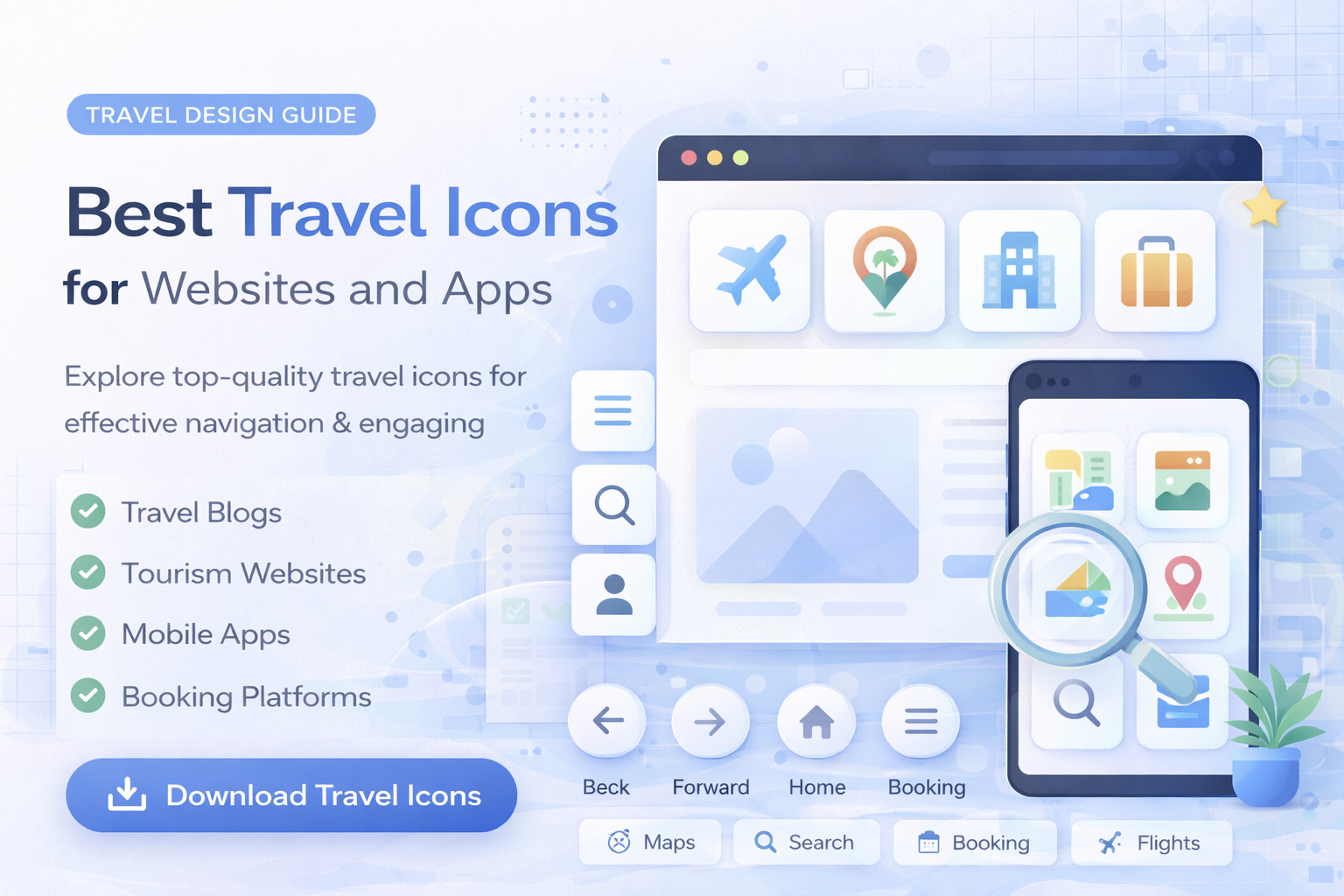
Travel websites and apps rely on clear, intuitive interfaces. From booking flows to maps and trip management, the right icon set improves usability and helps users complete tasks faster.
In this guide, you will find practical icon categories and UX rules for travel products.
Why Travel Icons Matter
Travel platforms involve complex user journeys:
- searching destinations
- booking transport
- selecting accommodation
- managing trip details
Icons reduce friction by making actions faster to spot and easier to understand.
Essential Travel Icon Types
Transportation Icons
Used for:
- flights
- trains
- buses
- car rentals
Common icons:
- airplane
- train
- car
- route line
Explore related sets in transportation icons.
Accommodation Icons
Used for:
- hotels
- apartments
- booking systems
Common icons:
Location and Navigation Icons
Used for:
Common icons:
Travel Activities Icons
Used for:
- tours
- experiences
- local activities
Best Icon Style for Travel UI
Travel interfaces benefit from:
- clean outline icons
- simple recognizable forms
- minimal visual noise
This keeps booking and discovery flows readable on both desktop and mobile.
How to Use Travel Icons Effectively
1. Keep Icons Recognizable
Travel users scan quickly. Use familiar symbols and avoid abstract shapes.
2. Use Icons in Key UI Areas
Best placements:
- navigation menus
- filter panels
- booking steps
- search results
3. Pair Icons With Labels
For clarity, use icon plus text on key actions, especially in mobile flows.
4. Keep Style Consistent
Avoid mixing icon sets with different visual grammar and stroke logic.
Mobile Travel App Considerations
For smaller screens:
- increase tappable icon area
- keep spacing consistent
- test readability at small sizes
Performance and Format
Travel apps often load many UI elements, so asset optimization matters.
- SVG for scalable web and app UI
- PNG for static placements
- EPS for editing and production
Learn more in SVG vs PNG vs JPG vs EPS: Which Icon Format Should You Use?.
Final Thoughts
Travel icons improve speed, clarity, and confidence in booking flows.
- use clear recognizable symbols
- keep one style system
- design for mobile first
- optimize assets for performance
For ready-to-use sets, browse transportation icons, object icons, and pricing plans.
Related Articles
Explore by Tags
Popular Categories
Ready to use better icons in your UI?
Download free icons, or unlock unlimited premium packs for product, web, and SaaS workflows.