
SVG vs PNG Icons: Which Format Works Best?
Compare SVG and PNG icons for product UI, web performance, and responsive design workflows.
Apr 16, 2026 - 1 min read
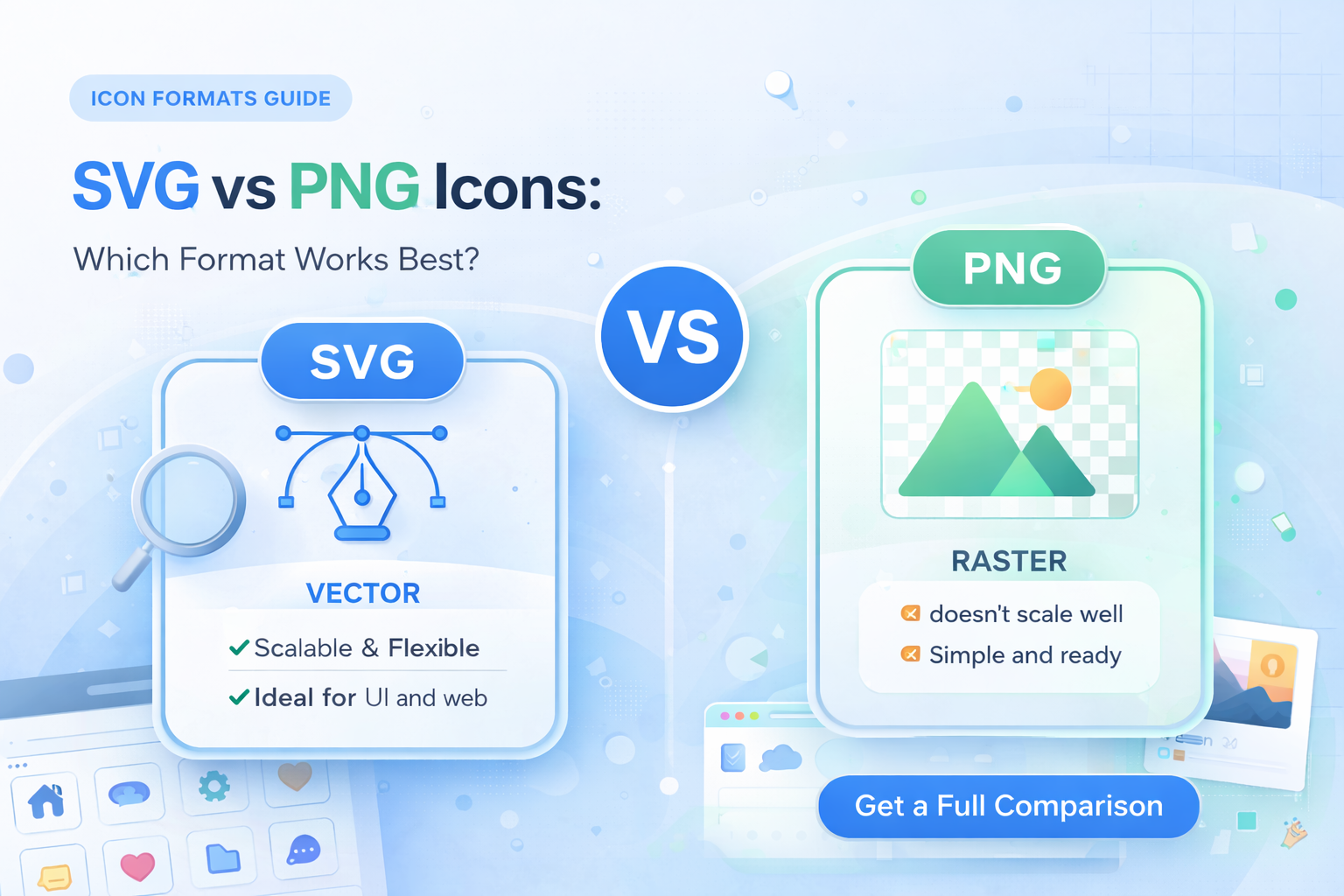
SVG and PNG both matter in real product workflows, but they solve different problems.
When SVG is the better choice
- You need sharp scaling across many screen sizes.
- You want to style icons with CSS.
- You care about compact vector assets in modern UI systems.
For most interface icons, SVG should be your default.
When PNG still makes sense
- You need pixel-perfect raster output.
- The icon has effects that do not convert cleanly to vector.
- A tool or channel requires bitmap assets.
PNG remains useful for previews and static exports.
Practical workflow for teams
Use SVG as the source of truth, then export PNG/JPG/EPS as needed for delivery. This keeps design consistent while supporting different production channels.
If you want unlimited multi-format downloads for real projects, check the Vectizon pricing page.
Related Articles
Explore by Tags
Popular Categories
Ready to use better icons in your UI?
Download free icons, or unlock unlimited premium packs for product, web, and SaaS workflows.