
Best Icons for Mobile App Design (iOS and Android)
Discover the best icons for mobile app design on iOS and Android. Learn how to choose, style, and use icons for better UX and modern interfaces.
May 6, 2026 - 2 min read
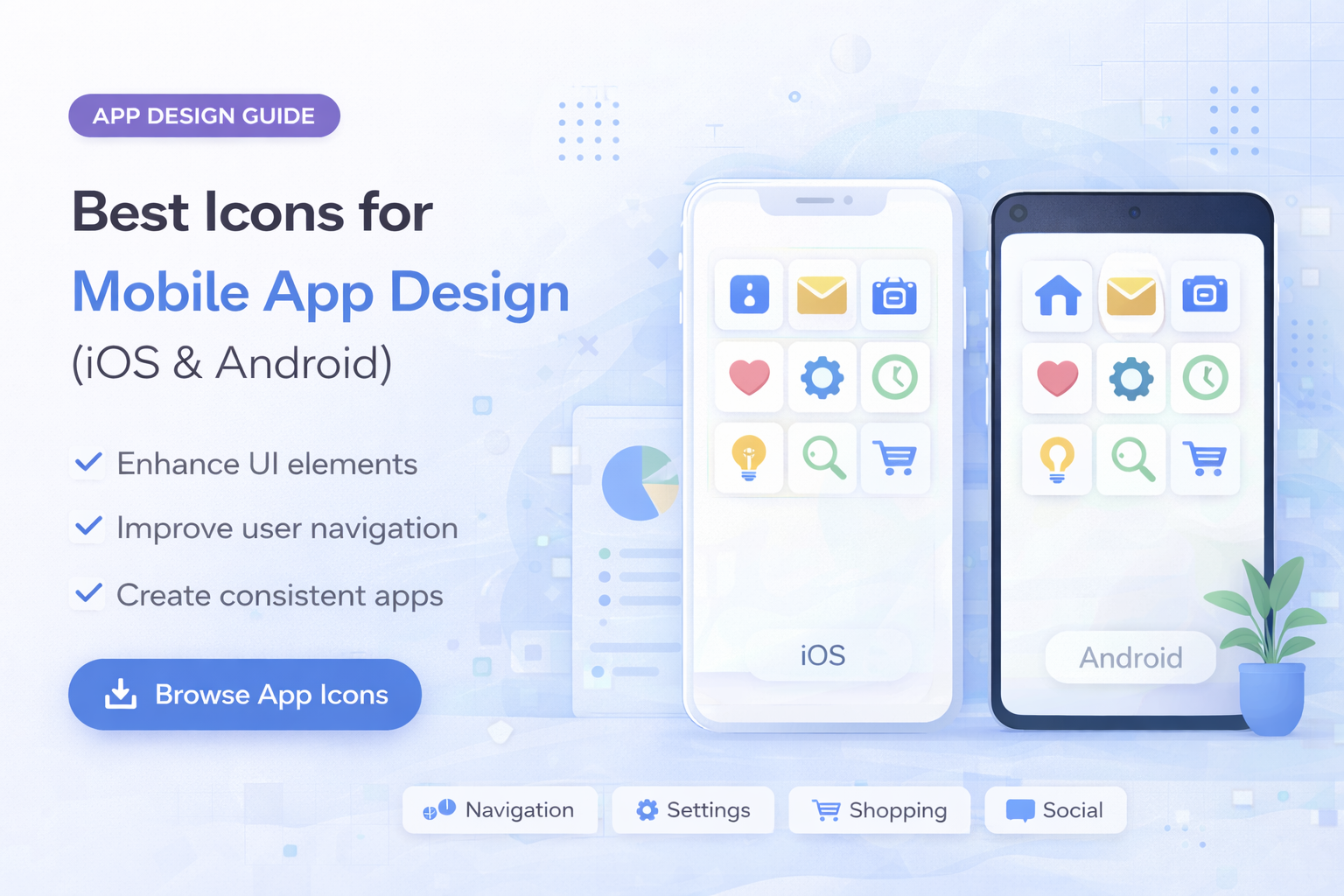
Icons are a core part of mobile app design. They help users navigate, understand features, and interact with products quickly, often without reading long text.
In this guide, you will learn which icons work best for mobile apps and how to use them effectively on both iOS and Android.
Why Icons Matter in Mobile Apps
Mobile screens are small, and users expect fast interactions.
Icons help:
- reduce text clutter
- improve navigation speed
- create intuitive interfaces
- enhance overall UX
Best Icon Style for Mobile Apps
Most common styles:
- Outline icons: clean and flexible
- Glyph icons: bold and high contrast
- Rounded icons: friendly, mobile-first look
For modern apps, consistency matters more than style trend.
Explore relevant sets in technology icons.
Icons for Mobile Navigation
Common navigation icons:
Best practices:
- combine icons with labels in tab bars
- use familiar symbols
- keep icons simple
Icons for App Features
Common action icons:
Tips:
- use recognizable symbols
- avoid abstract icons
- test readability at small sizes
iOS vs Android Considerations
iOS
- prefers minimal and clean icon forms
- strict spacing rhythm
- high visual clarity
Android
- follows Material style patterns
- flexible but readability-first
- strong accessibility requirements
Key rule: keep one icon system consistent across both platforms.
Size and Scalability
Best practices:
- design on a grid (24px, 32px, 48px)
- test on multiple screen sizes
- avoid excessive detail
Best Format for Mobile Icons
Recommended:
- SVG for scalability
- PNG for static assets
- EPS for editing pipelines
Read details in SVG vs PNG vs JPG vs EPS: Which Icon Format Should You Use?.
Avoid Common Mistakes
- mixing icon styles
- unclear symbols
- ignoring platform guidance
- overloading the UI with icon noise
Final Thoughts
To build stronger mobile UX:
- choose a consistent icon style
- prioritize clarity
- design for small screens
- follow platform conventions
For production-ready sets, browse technology icons, business icons, and pricing plans.
Related Articles
Explore by Tags
Popular Categories
Ready to use better icons in your UI?
Download free icons, or unlock unlimited premium packs for product, web, and SaaS workflows.