
Free vs Premium Icons: What’s the Difference?
Understand the difference between free and premium icons. Learn when to use each type and how icon quality affects UI, UX, and real projects.
May 1, 2026 - 2 min read
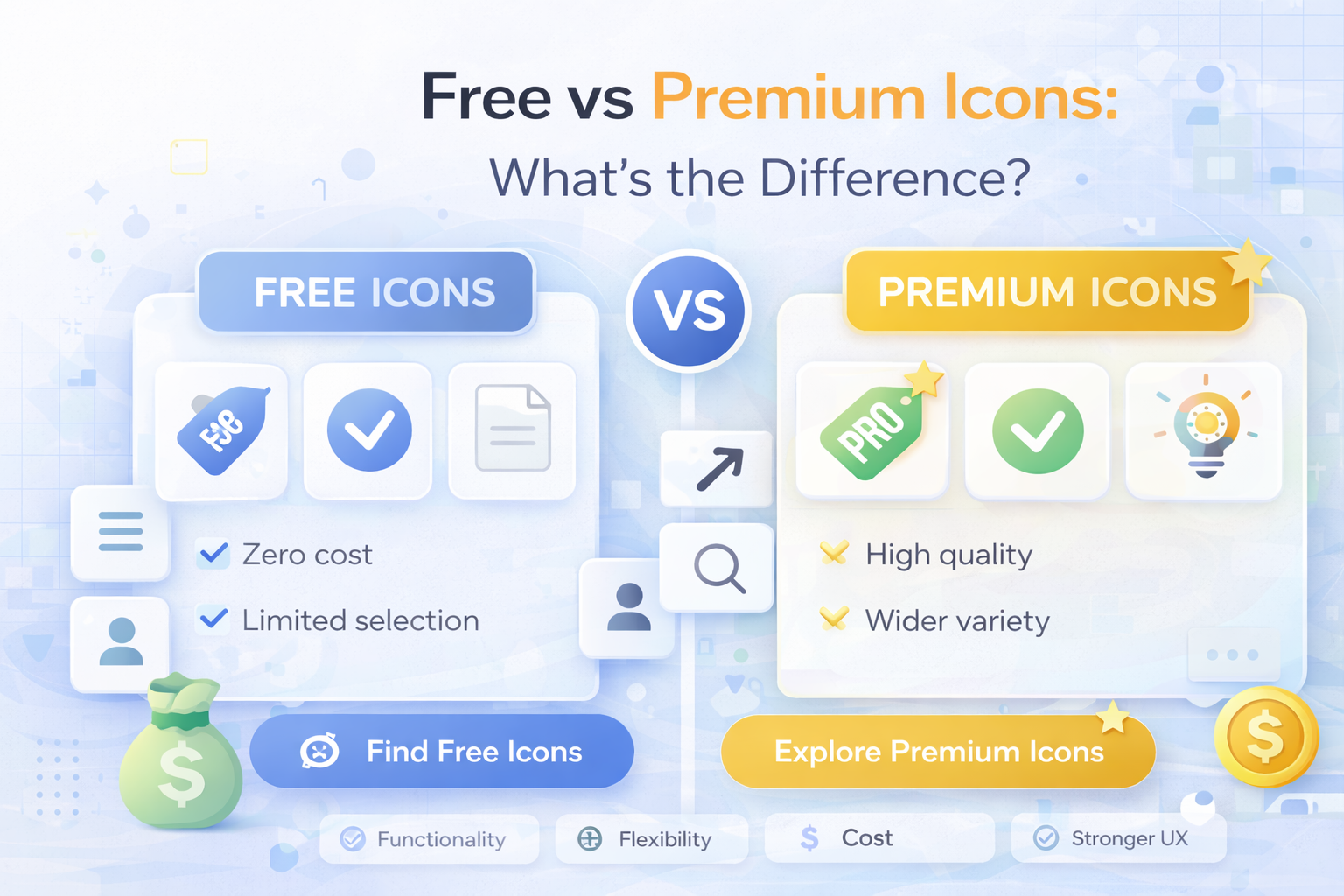
Icons are essential in modern design, from websites and apps to presentations and dashboards. A common question is simple: should you use free icons or invest in premium ones?
In this guide, we break down the real differences and help you choose the right option for your project.
What Are Free Icons
Free icons are available at no cost and can be downloaded from many online libraries.
Advantages of free icons
- no upfront cost
- easy access
- good for quick projects
- suitable for prototypes
Free icons are often used in personal projects, internal tools, and early product drafts.
Limitations of Free Icons
While free icons are useful, they come with trade-offs.
Common issues
- inconsistent styles
- limited collections
- licensing restrictions
- repeated use across many websites
Mixing icons from different free sources often creates inconsistent UI.
What Are Premium Icons
Premium icons are part of paid libraries or subscriptions. They are usually built for production use with better consistency and clearer licensing.
Advantages of premium icons
- consistent visual system
- larger collections
- multiple formats (SVG, PNG, JPG, EPS)
- faster design workflow
- clearer commercial terms
Premium icons are ideal for SaaS products, commercial websites, and scalable design systems.
Free vs Premium: Key Differences
Quality
- free: varies a lot
- premium: more polished and consistent
Consistency
- free: often mixed styles
- premium: unified style and spacing
Licensing
- free: may require attribution or have limits
- premium: clearer usage for client and business work
Workflow
- free: manual searching and quality checks
- premium: faster because sets are organized
When to Use Free Icons
Use free icons when:
- you are prototyping
- the project is non-commercial
- you need a fast temporary solution
- strict consistency is not critical
When to Use Premium Icons
Use premium icons when:
- you are building a real product
- brand consistency matters
- you want to save team time
- licensing clarity is required
- UI quality must stay high at scale
Impact on UX
Icon quality directly affects user experience.
Inconsistent icons can make interfaces look unprofessional and harder to scan. A consistent icon set makes navigation clearer and products feel more trustworthy.
You can explore consistent packs in the Vectizon icon library.
Performance and File Formats
For modern interfaces, SVG is usually the best default because it scales cleanly and stays lightweight.
- SVG: best for web and UI
- PNG: useful for static simple cases
- EPS: good for editing workflows
Read more in SVG vs PNG vs JPG vs EPS: Which Icon Format Should You Use?.
Final Thoughts
Both free and premium icons have their place.
- free icons are good for quick starts
- premium icons are better for stable product work
- consistency usually matters more than raw cost
If you need a predictable icon workflow for production UI, check Vectizon pricing.
Related Articles
Popular Categories
Ready to use better icons in your UI?
Download free icons, or unlock unlimited premium packs for product, web, and SaaS workflows.