
Why Use an Icon Library Instead of Random Icons
A practical comparison of structured icon libraries vs random icon sourcing for scalable product design.
Apr 28, 2026 - 2 min read
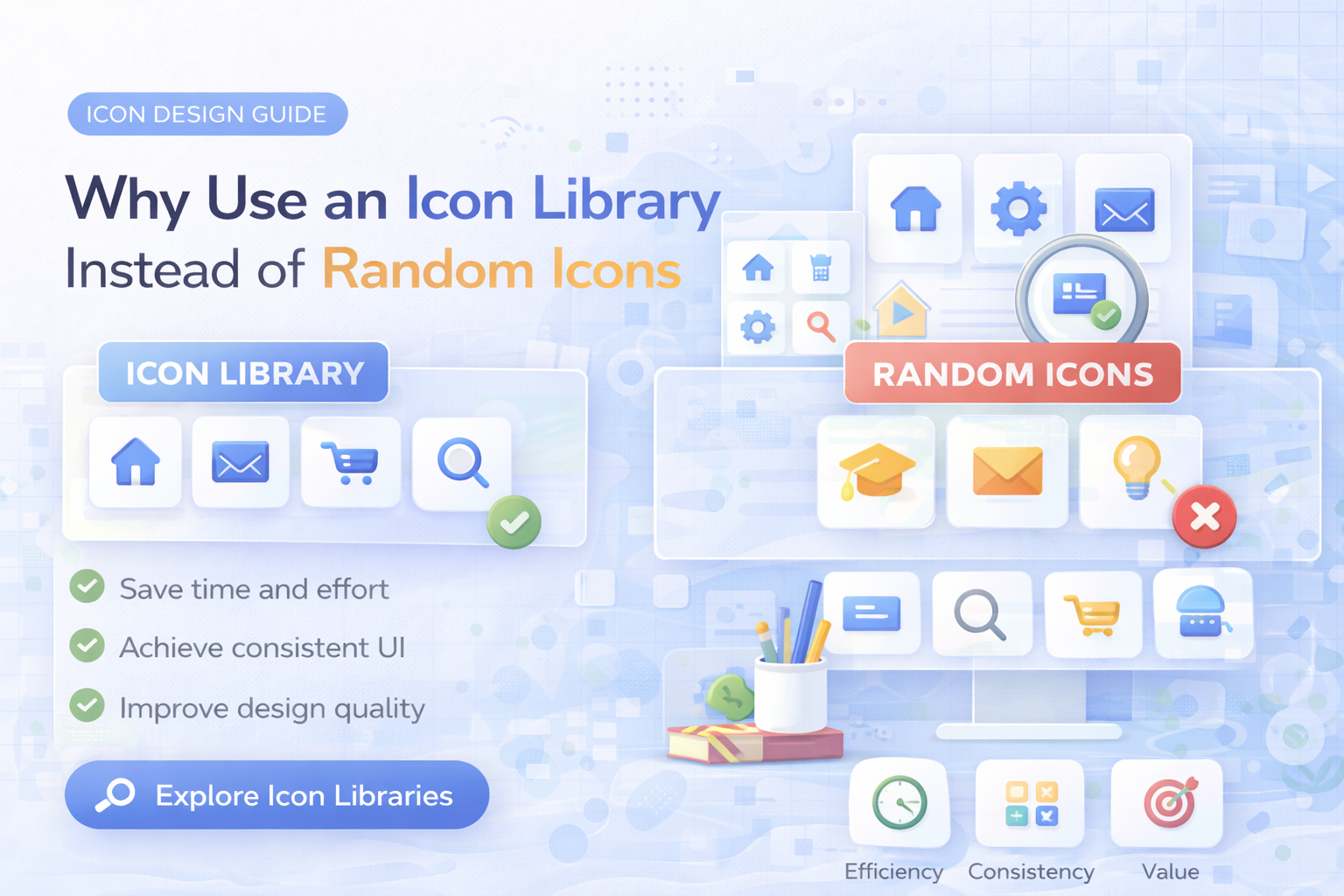
Random icon sourcing can feel fast at the start. But once a product scales, it creates inconsistency, slows teams down, and increases rework.
The hidden cost of random icons
Pulling assets from multiple sources usually leads to:
- mixed visual styles
- uneven stroke and proportions
- duplicated search time
- licensing uncertainty
The result is fragmented UI and slower releases.
What an icon library changes
A structured icon library gives teams one design language for the whole product.
Consistency
All icons follow shared style rules, so navigation, controls, and content blocks feel cohesive.
Speed
Instead of searching and normalizing files manually, teams pick from a ready system and move forward.
Reliability
Formats and naming are predictable, which helps both design handoff and frontend implementation.
Licensing clarity
Commercial usage rules are clear, reducing compliance risk in client and SaaS work.
When random icons are still acceptable
They are usually fine for:
- quick mockups
- one-off experiments
- internal drafts with no scaling plan
For production products, they rarely hold up.
How to transition from random to system-based
- Audit repeated icon use cases in your product.
- Select one icon style for core surfaces.
- Replace high-visibility inconsistencies first (nav, dashboard, settings).
- Document icon usage rules in your design system.
Related reading
- How to Build a Consistent Icon System for Your Product
- Best Icons for SaaS UI: A Practical Selection Guide
- Pricing plans
Final takeaway
An icon library is not just about convenience. It is infrastructure for consistent UX, faster execution, and scalable design quality.
Related Articles
Explore by Tags
Popular Categories
Ready to use better icons in your UI?
Download free icons, or unlock unlimited premium packs for product, web, and SaaS workflows.